

Blogs
Power Supply Selection for LED Signage


LED signage looks simple from the outside, but behind every bright and stable LED sign, there is one very important component: the power supply. Many LED signage problems like flickering, low brightness, or sudden failure are not caused by LEDs themselves, but by the wrong power supply.
People often ask:
- Which power supply is best for LED signage?
- How much power do LED signs need?
- Why do LED signs flicker?
- Can one power supply run a big sign?
- How to choose a safe power supply?
What Is a Power Supply in LED Signage?
A power supply is a device that converts electricity from the main source into the correct voltage and current for LED lights.
Most LED signage uses:
- 12V DC
- 24V DC
The power supply makes sure LEDs get:
- Stable power
- Correct voltage
- Safe current flow
Without the right power supply, even the best LEDs will not work properly.
Why Power Supply Selection Is So Important
Many people focus on LED quality but ignore the power supply. This is a big mistake.
Wrong power supply can cause:
- Flickering lights
- Dim output
- Overheating
- Short lifespan
- Complete failure
From experience, more than half of LED signage problems come from incorrect power supply selection.
My Real Experience with Power Supply Issues
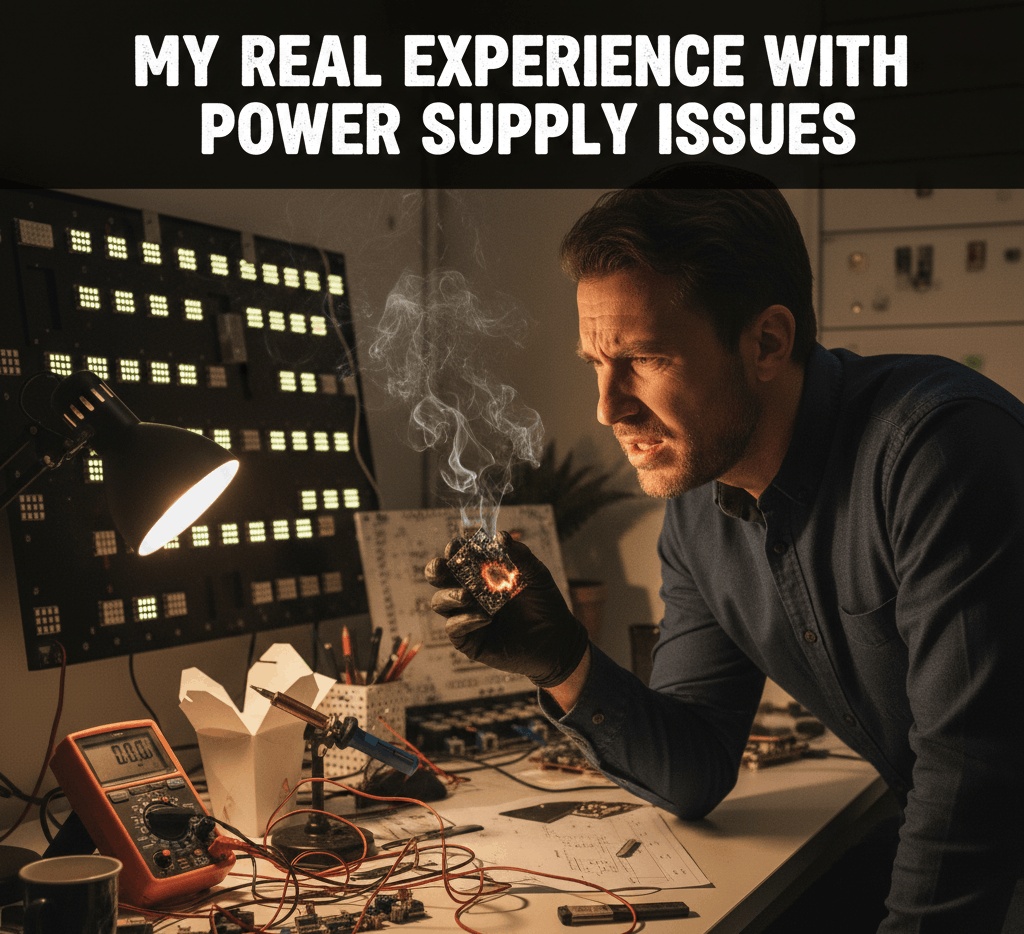
In one signage project, we installed high-quality LED modules, but the sign started flickering after a few days. At first, we thought the LEDs were faulty.
After checking, the real issue was:
- Power supply wattage was too low
- It was running at full load all the time
Once we replaced it with a higher-capacity power supply:
- Flickering stopped
- Brightness improved
- System became stable
This taught me one simple rule: never compromise on power supply.
Common Types of Power Supplies Used in LED Signage
1. Constant Voltage Power Supplies
These are the most common for LED signage.
They provide:
- Fixed voltage (12V or 24V)
- Suitable for LED modules and strips
2. Switching Power Supplies
- High efficiency
- Compact size
- Used in most modern LED signs
Understanding Voltage: 12V vs 24V
12V Power Supplies
- Used for small signs
- Short cable runs
- Common with LED modules
24V Power Supplies
- Better for long signs
- Less voltage drop
- Used in large signage and Rental Led Screens
Choosing the right voltage improves performance and reduces power loss.
Calculating Power Requirements (Easy Method)
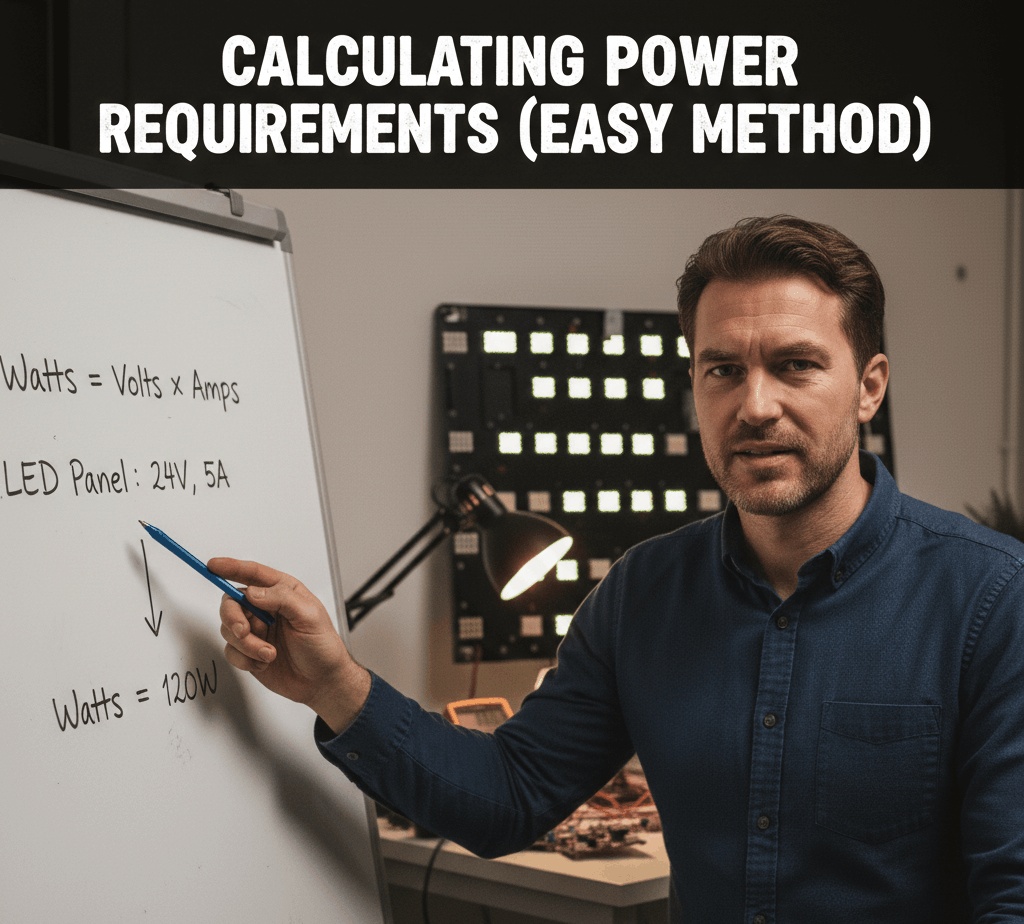
To choose the right power supply, you must calculate total wattage.
Simple Formula:
Total LED Wattage + 20–30% extra
Example:
- LEDs consume 100W
- Add 30% margin = 130W
- Choose at least a 150W power supply
This extra margin:
- Prevents overheating
- Increases lifespan
- Improves stability
Why Extra Power Margin Is Important
Running a power supply at 100% load:
- Generates heat
- Reduces life
- Causes voltage drop
A power supply works best at 70–80% load.
From experience, signs with power margin last much longer and need less maintenance.
Indoor vs Outdoor Power Supplies
Indoor Power Supplies
- Used in dry environments
- Smaller size
- Used for shop signs and DS Flag Stand displays
Outdoor Power Supplies
- Waterproof or weather-resistant
- Better cooling
- Used for outdoor signage and LED displays
Always match the power supply with the environment.
Waterproof Rating for Outdoor Power Supplies
Outdoor LED signage needs protection from:
- Rain
- Dust
- Heat
Look for:
- IP65 or higher rating
This ensures long-term reliability in outdoor conditions.
Power Supply Placement Matters
Wrong placement can damage even a good power supply.
Best practices:
- Place in ventilated area
- Avoid direct sunlight
- Keep away from water
- Do not seal without airflow
Heat is the biggest enemy of power supplies.
Power Supply Selection for Large LED Signs
Large LED signs need:
- Multiple power supplies
- Load distribution
- Proper wiring planning
Using one big power supply for a huge sign is risky. Splitting the load improves safety and performance.
This method is commonly used in Rental Led Screens and large LED walls.
Cable Length and Voltage Drop
Long cable runs cause voltage drop.
Solutions:
- Use thicker wires
- Use 24V systems
- Place power supplies closer to LEDs
Ignoring voltage drop leads to uneven brightness.
Common Power Supply Problems and Causes
Flickering LEDs
- Power supply overloaded
- Poor quality unit
Dim Lighting
- Voltage drop
- Wrong voltage
Power Supply Failure
- Overheating
- No power margin
- Poor ventilation
How to Choose a Quality Power Supply
Before buying, check:
- Brand reputation
- Warranty
- Protection features
- Efficiency rating
Good power supplies include:
- Overload protection
- Short circuit protection
- Overheat protection
Efficiency and Power Savings
High-efficiency power supplies:
- Waste less energy
- Produce less heat
- Lower electricity cost
They are ideal for signs that run long hours, such as commercial signage and display stands.
Power Supplies for Rental and Temporary LED Setups
Temporary setups like events and exhibitions need:
- Reliable power
- Easy installation
- Safe operation
That’s why Rental Led Screens always use high-quality power supplies with safety protection.
Noise and Electrical Stability
Cheap power supplies can cause:
- Electrical noise
- Interference
- LED flicker
Stable power supplies provide clean output, which improves LED performance and lifespan.
Maintenance Tips for Power Supplies
To extend life:
- Clean dust regularly
- Check connections
- Ensure airflow
- Avoid water exposure
Preventive maintenance reduces downtime.
Safety Considerations
Always:
- Use proper grounding
- Avoid overloading
- Use certified products
- Follow electrical standards
Power safety is critical in public signage.
Power Supply vs LED Quality: Which Is More Important?
Both matter, but even the best LEDs fail with a bad power supply.
From experience:
- Good LEDs + bad power = failure
- Average LEDs + good power = stable performance
Never underestimate the power supply.
Signs That You Need to Replace a Power Supply
Watch for:
- Flickering
- Noise
- Heat
- Burning smell
- Reduced brightness
Replacing early prevents LED damage.
Using Power Supplies in Display Stands
Compact display solutions like DS Led Stand require:
- Small-sized power supplies
- Quiet operation
- Clean output
Choosing the right unit ensures a professional look and reliable performance.