

Blogs
Power Supply Selection for LED Signage

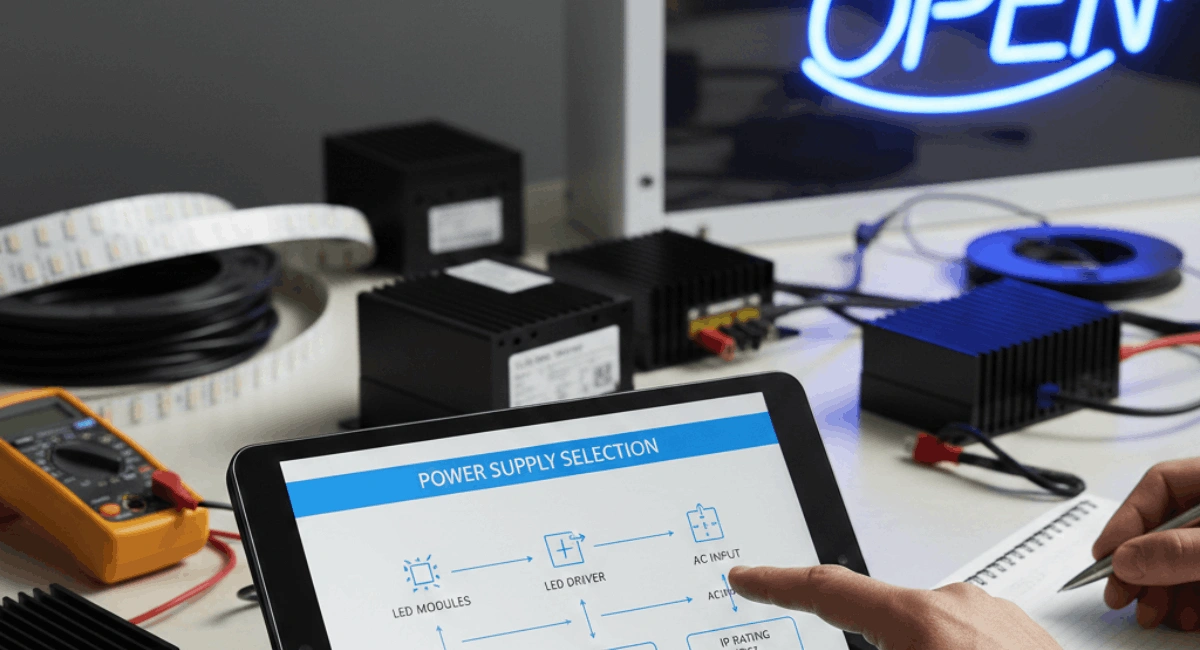
A Simple, Practical Guide for Long-Lasting Displays
When people plan LED signage, they usually focus on the screen size, brightness, or resolution. From my own experience working with LED displays, one thing is often ignored at the start — the power supply. But in reality, the power supply is the heart of your LED signage system.
If the power supply is wrong, even the best LED screen will fail early. You may face flickering, dim light, random shutdowns, or complete damage. I have personally seen LED signs that cost thousands fail within months just because of poor power supply selection.
This guide explains power supply selection for LED signage in simple words. Whether your screen is indoor or outdoor, small or large, this article will help you choose the right power supply that keeps your display stable, bright, and safe for years.
What Is a Power Supply in LED Signage?
A power supply is the device that converts electricity from your main source into the correct voltage and current needed by LED modules. Most LED signage runs on low DC voltage, usually 5V, 12V, or 24V.
The power supply:
- Controls voltage flow
- Protects LED modules
- Maintains stable brightness
- Prevents overheating and short circuits
Without a stable power supply, LEDs cannot work correctly.
Why Choosing the Right Power Supply Is Critical
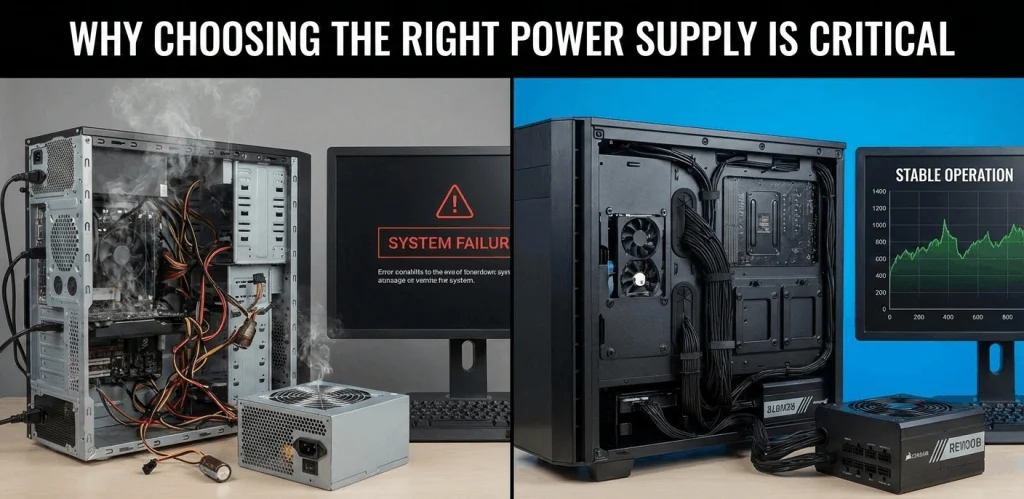
From real installations I worked on, power supply problems caused more failures than screen defects. A weak or low-quality power supply can create many issues:
- Uneven brightness across the screen
- LED flickering or blinking
- Overheating of modules
- Early power failure
- Damage to LED controllers
When selecting a power supply, think long-term. A good power supply protects your full LED investment.
Understanding Voltage Requirements in LED Signage
Common Voltage Types
Most LED signage uses:
- 5V for LED modules
- 12V for strip LEDs and medium displays
- 24V for larger systems and long cable runs
Always check the LED module specification before selecting the power supply. Never assume the voltage.
Real Experience Tip
Once, a technician connected a 12V power supply to a 5V LED module. The screen worked for 10 minutes — then burned completely. Voltage mismatch is one of the most common mistakes.
Calculating Power Consumption Correctly
This is one of the most important steps in power supply selection for LED signage.
Step-by-Step Calculation
- Find power per module (example: 3W per module)
- Count total modules (example: 200 modules)
- Multiply total power
3W × 200 = 600W - Add 30% safety margin
600W × 1.3 = 780W
So you should select at least an 800W power supply.
Why Safety Margin Is Important
Running a power supply at full load all the time shortens its life. The extra margin keeps temperature low and performance stable.
Single Power Supply vs Multiple Power Supplies
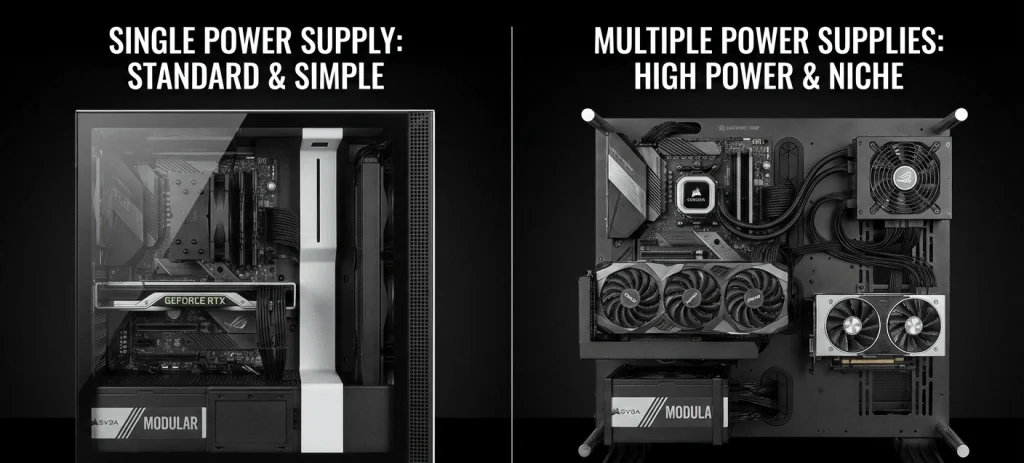
Single Power Supply
Used for:
- Small indoor signs
- Short cable lengths
Pros:
- Easy installation
- Lower cost
Cons:
- If it fails, the whole sign stops
Multiple Power Supplies
Used for:
- Large LED walls
- Outdoor displays
- High-brightness signage
Pros:
- Better load distribution
- More stable brightness
- Easier maintenance
Cons:
- Slightly higher cost
For large installations like a display on wall, multiple power supplies are always safer.
Indoor vs Outdoor LED Signage Power Supply
Indoor LED Signage
Indoor power supplies usually:
- Have basic protection
- Work in controlled temperature
- Are smaller in size
They are suitable for:
- Shops
- Offices
- Malls
- Wall Mounted Touch LCD systems
Outdoor LED Signage
Outdoor power supplies must:
- Be waterproof (IP65 or higher)
- Handle heat, dust, rain
- Work 24/7
From my experience, outdoor signs fail early when indoor power supplies are used outside. Never mix them.
Importance of Power Supply Efficiency
Power supply efficiency means how much energy is used properly instead of wasted as heat.
High-Efficiency Power Supplies:
- Stay cooler
- Last longer
- Reduce electricity bills
- Protect LED modules
Look for 80% efficiency or higher. Cheap power supplies often run hot and damage surrounding components.
Heat Management and Ventilation
Heat is the biggest enemy of power supplies.
Common Heat Problems
- Poor air circulation
- Power supply packed tightly
- No ventilation holes
- Outdoor sun exposure
Best Practices
- Leave space around the power supply
- Use ventilation fans if needed
- Avoid direct sunlight
- Install in shaded metal cabinets
In one project, adding just two small fans increased power supply life by more than double.
Power Supply Protection Features You Must Have
A good LED signage power supply should include:
- Over-voltage protection
- Over-current protection
- Short-circuit protection
- Over-temperature protection
These features automatically shut down the system during faults, protecting LED modules and controllers.
Cable Length and Voltage Drop
Long cable runs cause voltage drop. This leads to:
- Dim LEDs at the far end
- Uneven brightness
- Color issues
Solutions:
- Use thicker cables
- Use multiple power injection points
- Use higher voltage power supplies (24V systems)
This is especially important for large display on wall installations.
Redundant Power Supply Systems
For critical signage like:
- Airports
- Hospitals
- Control rooms
- Commercial buildings
Redundant systems are used.
How It Works
Two power supplies run in parallel. If one fails, the other continues working.
This setup costs more but ensures zero downtime.
Power Supply Placement Best Practices
Where you place the power supply matters.
Recommended Locations:
- Easy to access for maintenance
- Away from moisture
- Away from direct heat
- Close to LED modules
Avoid placing power supplies behind sealed walls without access, especially for large Wall Mounted Touch LCD setups.
Common Power Supply Mistakes to Avoid
From real projects, these mistakes happen often:
- Choosing power supply with no safety margin
- Mixing different voltage supplies
- Using indoor power supplies outdoors
- Ignoring heat buildup
- Buying very cheap unbranded units
These mistakes always cost more later in repairs and downtime.
Maintenance Tips for LED Power Supplies
Power supplies also need care.
Simple Maintenance Tips:
- Check for dust buildup every 6 months
- Ensure fans are working
- Tighten loose terminals
- Monitor temperature
- Replace aging power supplies early
Preventive care saves money and avoids sudden failures.
How Power Supply Affects LED Brightness and Color
Unstable power supply causes:
- Color shifting
- Brightness fluctuation
- LED aging
A stable power supply keeps:
- Uniform brightness
- Accurate colors
- Longer LED life
This is critical for branding and commercial signage.
Power Supply Selection for Smart Displays
Modern LED signage often includes:
- Touch screens
- Controllers
- Sensors
- Media players
Each device may need separate power lines. Never overload a single power supply.
For interactive systems like Wall Mounted Touch LCD, separate power lines are recommended for display and control systems.
Real User Experience: What I Learned from a Failed Installation
In one indoor signage project, we used a power supply that matched the exact wattage with no safety margin. The display worked fine for two months. Then, during peak hours, it started flickering.
The power supply overheated and failed. We replaced it with a higher-capacity unit with better airflow. Since then, the display has been running smoothly for over three years.
This experience taught me one rule:
Never choose power supplies at the edge of their limit.
Final Checklist Before Choosing a Power Supply
Before finalizing your power supply, check:
- Correct voltage
- Total wattage + 30% margin
- Indoor or outdoor rating
- Efficiency level
- Protection features
- Heat management
- Cable length support
This checklist prevents 90% of LED signage failures.
Conclusion: Power Supply Is the Backbone of LED Signage
Power supply selection for LED signage is not a small technical detail — it is the foundation of your entire display system. A good power supply ensures:
- Stable performance
- Long LED lifespan
- Lower maintenance cost
- Better visual quality
Whether you are installing a small indoor screen or a large display on wall, always invest time and care in choosing the right power supply. It protects your LEDs, your money, and your peace of mind.